
What it does
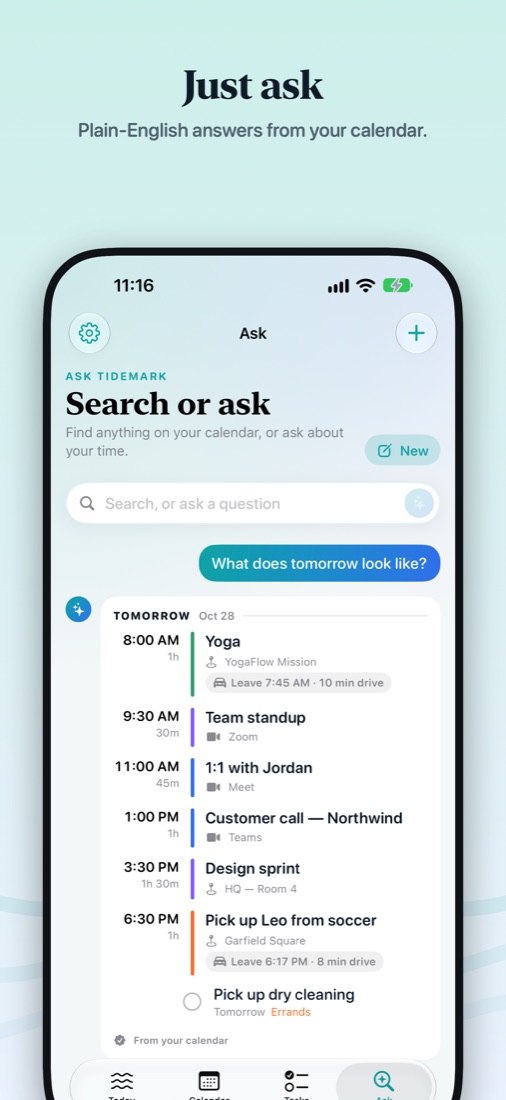
Ask Tidemark
“Am I free at 3 tomorrow?” “When's my next 1:1?” Exact answers from your calendar, even typed in a hurry.
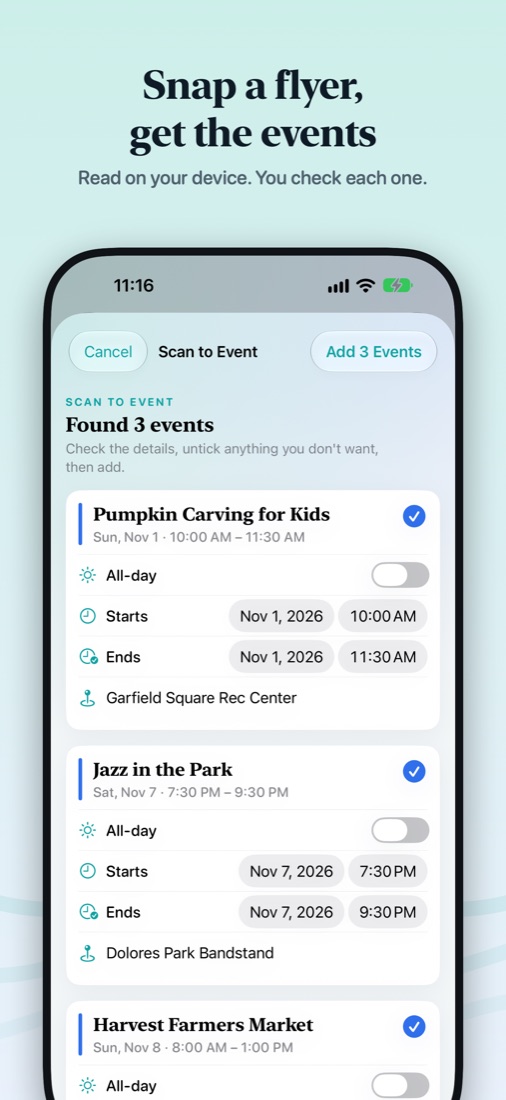
Scan to Event
Snap a flyer, ticket or screenshot, or drop in a PDF. Tidemark finds the events and you check each one.
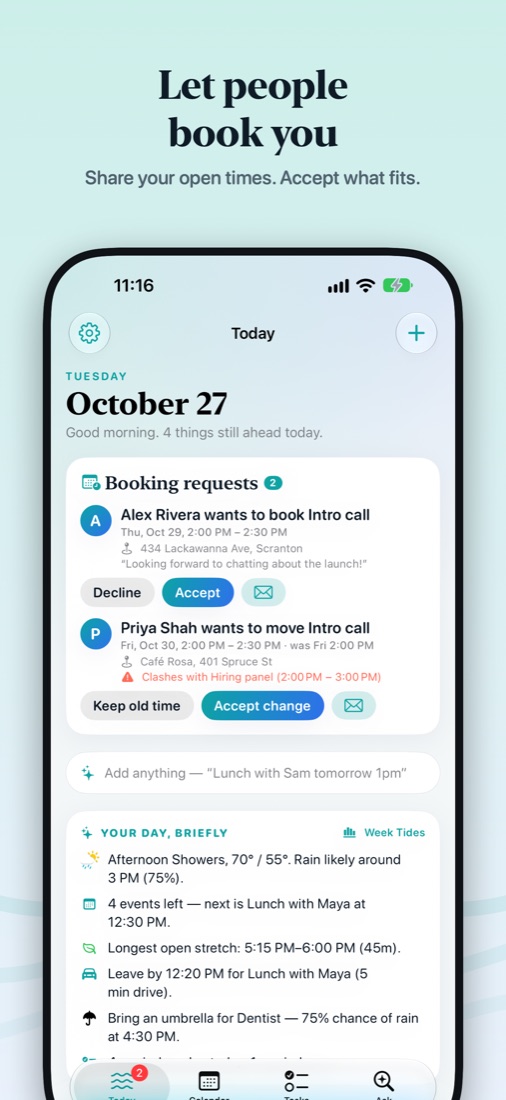
Let people book you
Share a link with your open times. Guests pick a time and a place; nothing goes on your calendar until you accept.
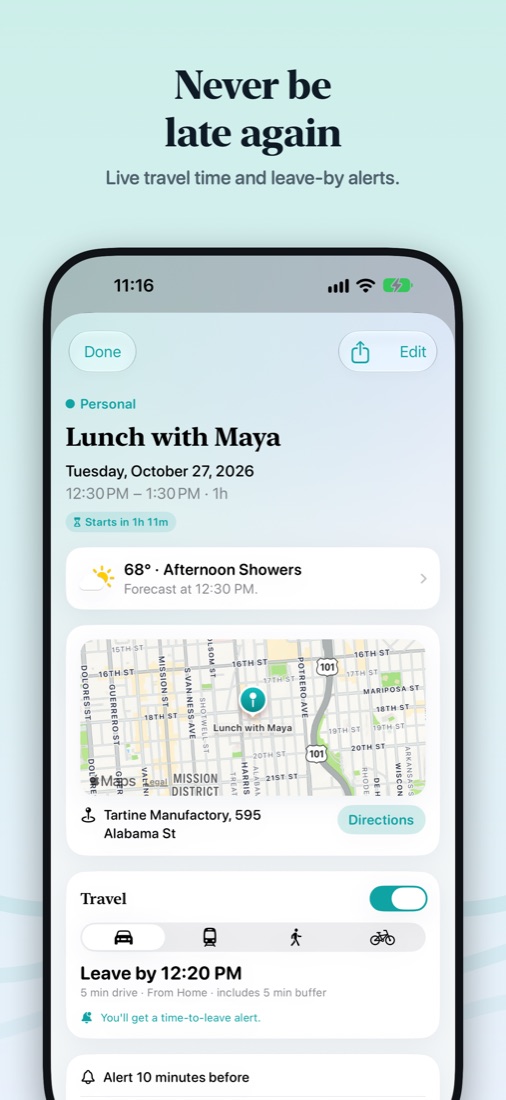
Know when to leave
Live travel time from Apple Maps on every event with a place, and time-to-leave alerts.
Every calendar, one place
iCloud, Google, Outlook, Exchange and Yahoo, plus Apple Reminders and any ICS feed. No extra sign-in.
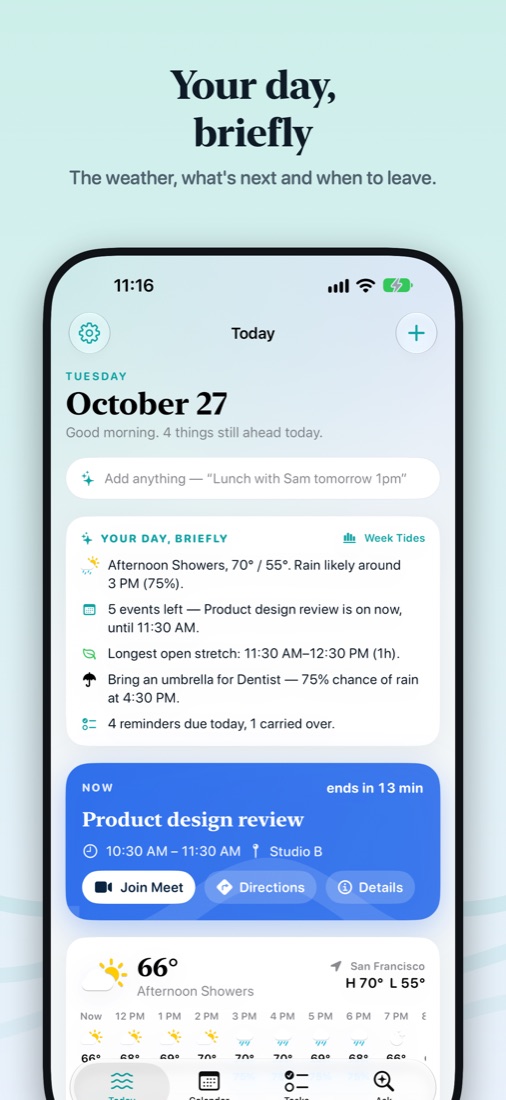
Your day, briefly
The weather, what's next, your longest free stretch and any clashes, in a few lines each morning.
Private by design
No account, no ads, no tracking. Your calendar stays on your Apple devices, and the AI that reads flyers and answers questions runs on your device with Apple Intelligence.
Booking requests are end-to-end encrypted. Read the privacy policy.
Support
Questions, bug reports or feedback: raghav_c@kalbhor.com. We usually reply within two days.
How do I add my Google or Outlook calendar?
Add the account once in your device settings (iPhone/iPad: Settings › Apps › Calendar › Calendar Accounts; Mac: System Settings › Internet Accounts). Tidemark shows it automatically, with no extra sign-in.
How do I subscribe to a holiday or sports calendar?
On iPhone and iPad, open Settings (the gear) › Calendars & Feeds › Add Feed; on the Mac, Accounts & Feeds in the sidebar. Paste any webcal:// or .ics link, or pick one of the popular feeds.
Why doesn't my event show travel time?
Travel time needs a location on the event and either location access or a home address (Settings › Travel Time).
Ask and Scan to Event
Both work on every device. With Apple Intelligence turned on (iPhone 15 Pro and later, iPad and Mac with Apple silicon), Tidemark also understands more kinds of questions and text.
How do I cancel my subscription?
Open Tidemark › Settings › Manage Subscription, or go to Settings › your name › Subscriptions on your iPhone.
I bought Tidemark Pro on another device.
Pro is tied to your Apple Account and unlocks on all your devices. If it doesn't appear, open Settings › Restore Purchases.